Processing a Lost or Replacement Library Card
When a patron loses their physical library card or requires a replacement, use the User Lost Card wizard to securely assign a new barcode while maintaining the patron's existing account history, holds, and bills.
Using the User Lost Card Wizard
- In WorkFlows, open the User Lost Card wizard located in the Users wizard group.
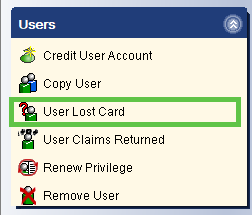
- Alternative Access: You can also access this feature via the User Lost Card helper icon within the Checkout wizard.

- Search for the patron who needs the replacement card.
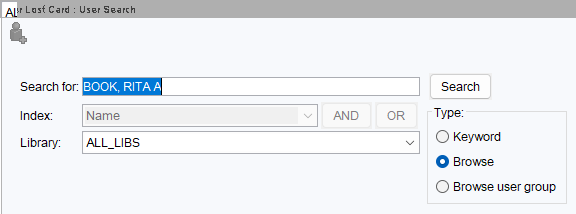
- Select the correct user from the results and click Assign New Card.

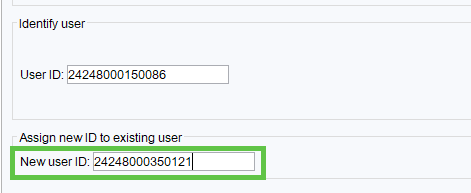
- Scan or manually type the new library card barcode into the New user ID field.
- Click Close to complete the process.
System Background & Nightly Processes
When you assign a new card, WorkFlows performs several automated background tasks to maintain data integrity:
- Temporary Duplicate: A duplicate record is temporarily created with a
LOSTCARDprofile. This is used for system reconciliation and is automatically deleted during nightly processing.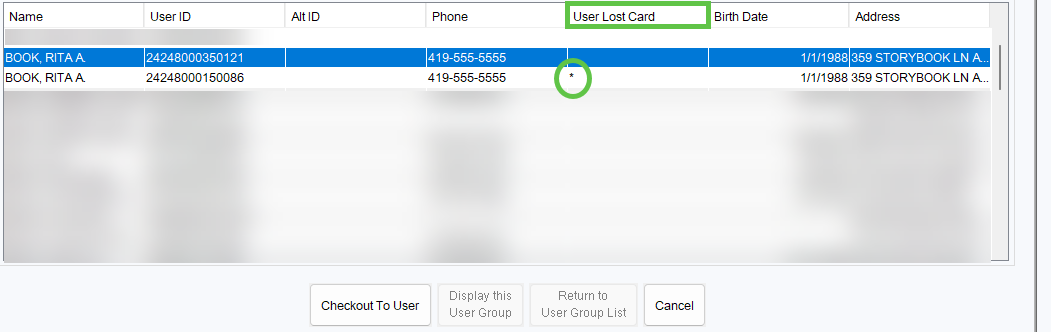
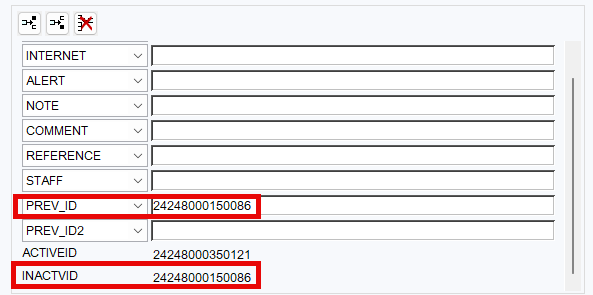
- ID Tracking: The system automatically moves the old barcode into the Extended Info tab as
INACTVIDandPREV_IDentries. These reference values are also cleared out during the nightly cleanup.