
Printing Return Labels for ILL Items
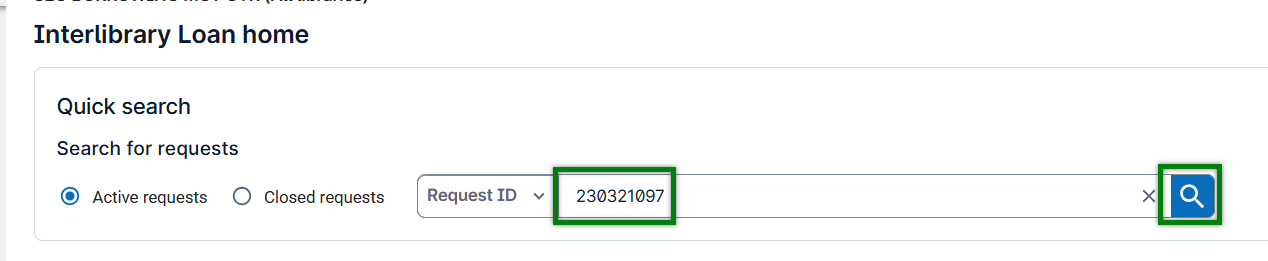
- Enter the Request ID and click the Search Icon.
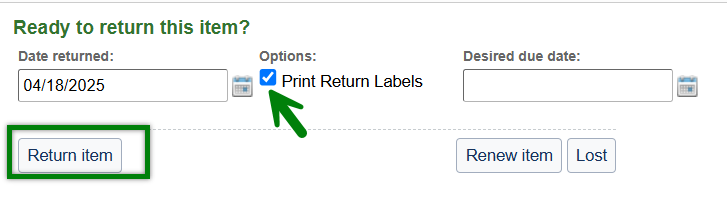
- Place a checkmark in the Print Return Labels box before clicking Return Item.
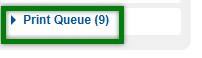
- Click the Print Queuetab.
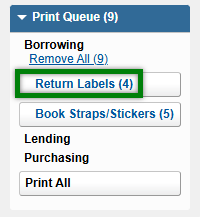
- Click Return Labels.
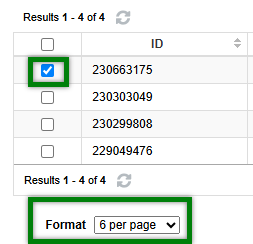
- Place a checkmark beside the item you wish to return, then select your Formatand the number of labels per page.
- Place a checkmark beside the Request ID on the barcode and click Print.
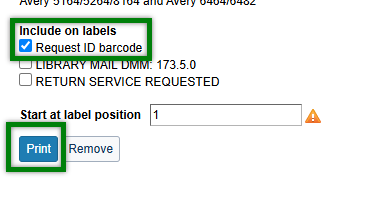
- Click the Print iconto finalize.
