Viewing and Sorting Closed Request History
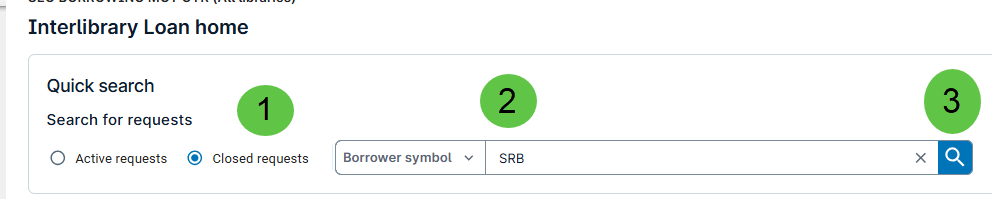
- Select the Closed Requests radio button.
- Click the dropdown for Borrower Symbol and enter your Borrower Symbol.
- Click the Search Icon.
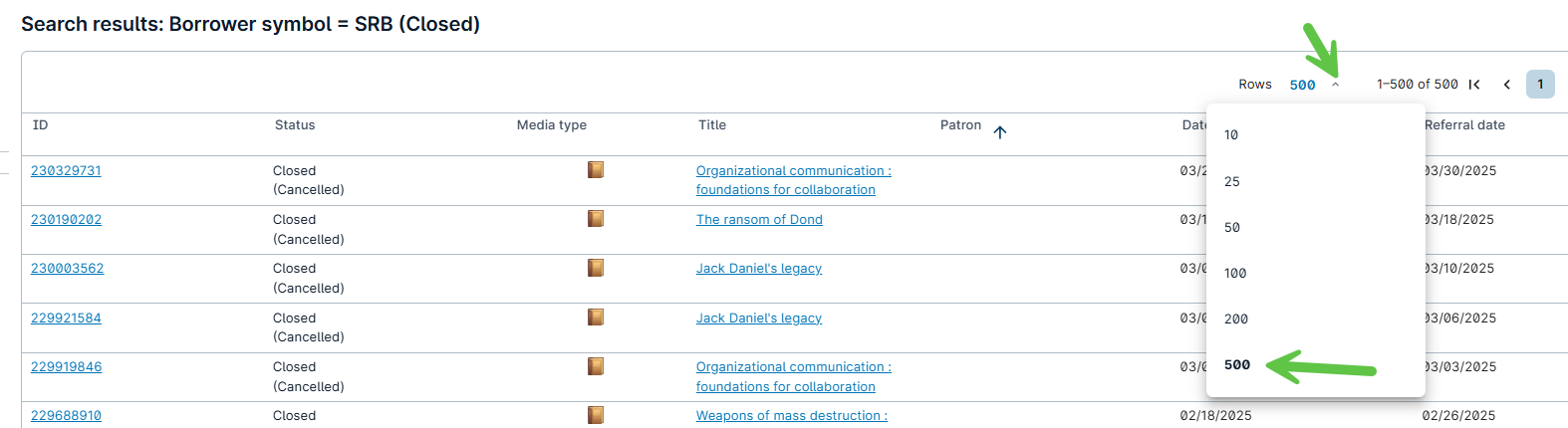
- To view more results, click the Rows dropdown and select 500.
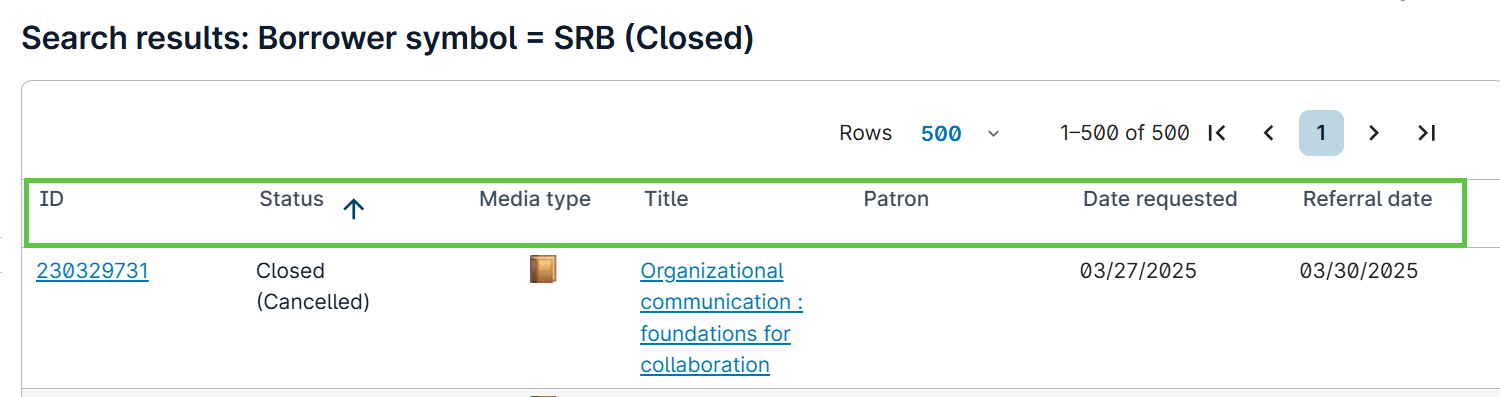
History can be sorted by any column by clicking on the desired column heading.