Open navigation

Printing Multiple Return Labels


Printing labels for ILL Items

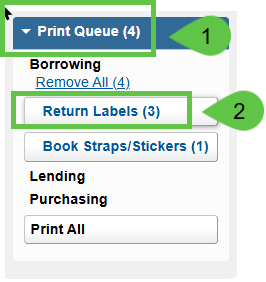
  1. Under Print Queue
  2. Choose Return LabelsImage of print queue and return labels

1. Add checkmark on each title to create return label

2. Choose 6 per page

3. Add checkmark for Request ID barcode

4. Click Print
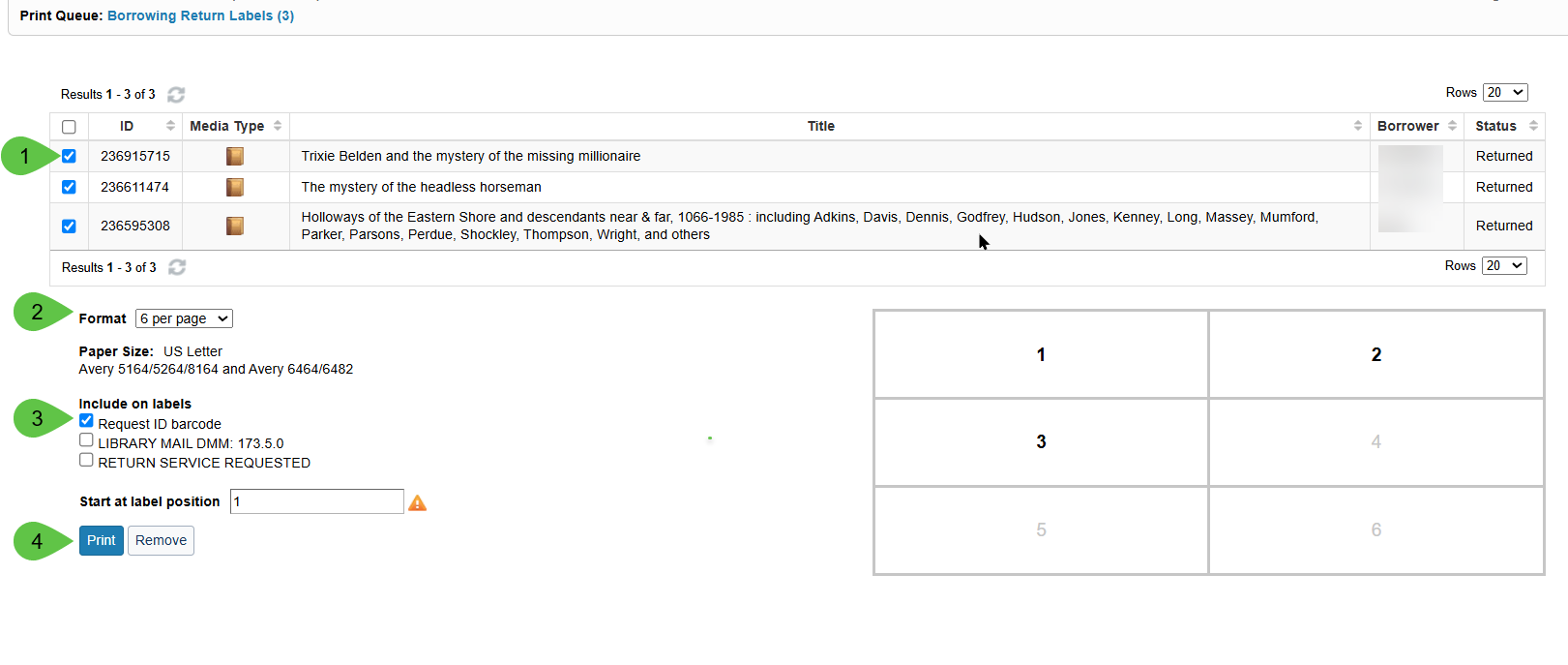
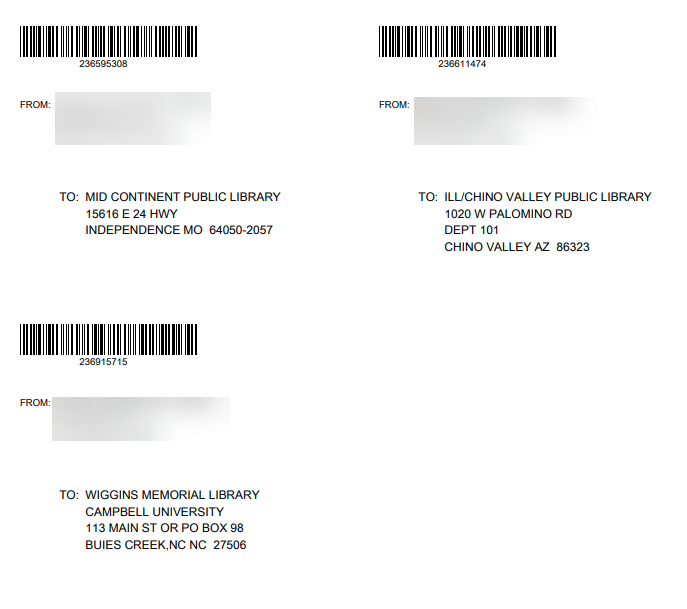
Image of print queue options, format request ID and print button Image of completed Return Lables


Was this article helpful?

That’s Great!

Thank you for your feedback

Sorry! We couldn't be helpful

Thank you for your feedback

Let us know how can we improve this article!

Select at least one of the reasons
CAPTCHA verification is required.

Feedback sent

We appreciate your effort and will try to fix the article