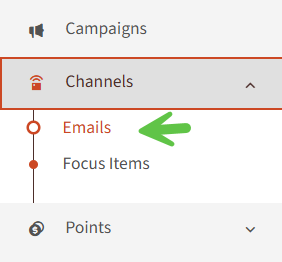
1. Navigate to the left-hand menu and Choose Emails.
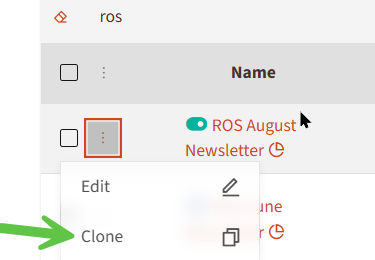
2. Locate the newsletter you wish to copy, click the drop-down menu next to it and select Clone..
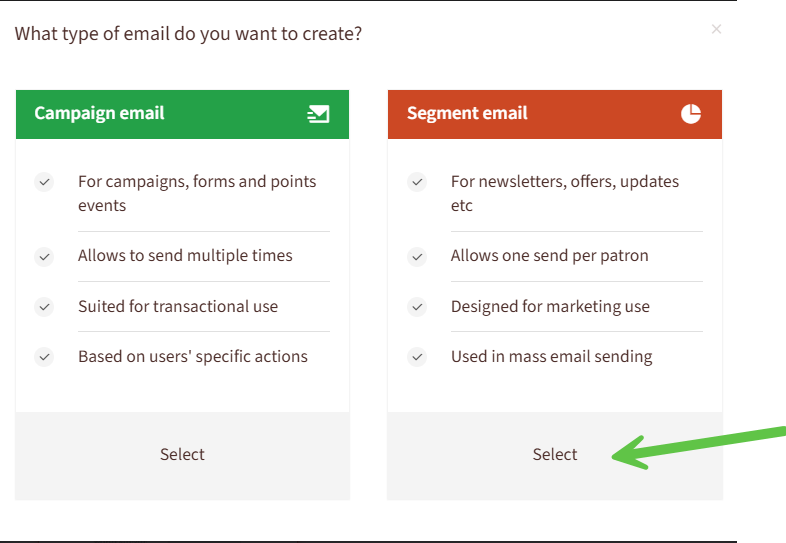
3. In the pop-up window asking for the email type, select Segment Email.
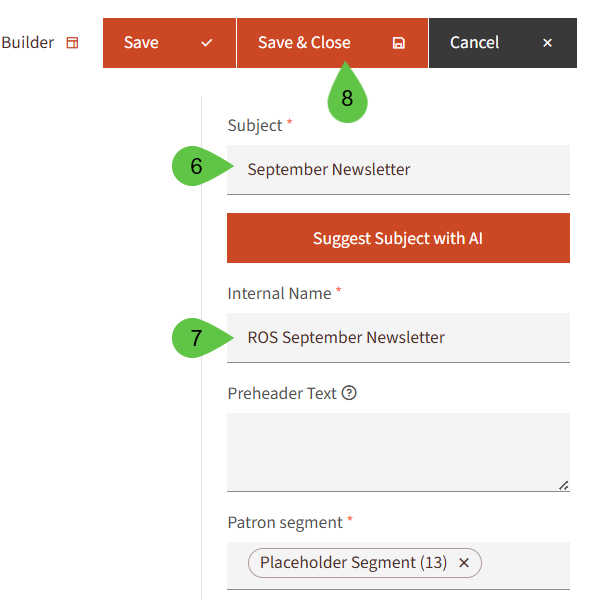
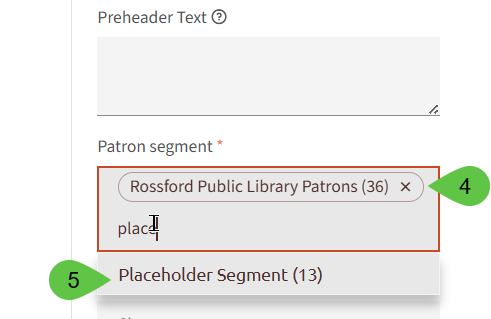
4. Type Placeholder Segment below the patron segment (this segment will hold your email from accidentally being sent).
5. Remove *** (your library abbreviation) from the patron segment.
6. Update the Subject to the new email information.
7. Update the Internal Name to match (making sure to leave *** (library abbreviation) before the name so it will update in your library folder.
8. Click Save & Close.