Open navigation

Remove User

If you need to remove a user from your library, use the remove user wizard.

Do not remove users from another library.


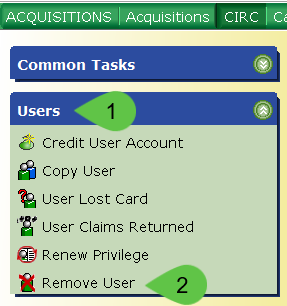
  1. From the CIRC Toolbar, click on the Users Wizard Group.
  2. Click on the Remove User wizard.

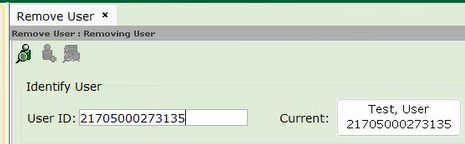
  3. Enter the ID of the patron that needs removed or use the Search User helper to search for the patron.  Example of remove user with user ID
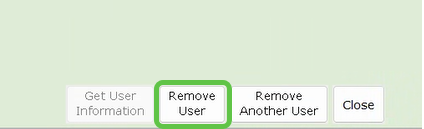
  4. Click Remove User.
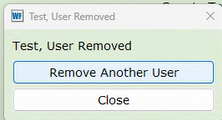
  5. Choose Remove Another User or Close.
    Image of remove another user tab and Close tab


Was this article helpful?

That’s Great!

Thank you for your feedback

Sorry! We couldn't be helpful

Thank you for your feedback

Let us know how can we improve this article!

Select at least one of the reasons
CAPTCHA verification is required.

Feedback sent

We appreciate your effort and will try to fix the article